📋 Table of Contents
1. What Is Call Routing and Why It Matters 2. Types of Call Routing 3. Call Routing vs. Call Forwarding 4. How Browser-Based VoIP Simplifies Call Routing 5. What It Costs – With Real Price Examples 6. Checklist: Choosing the Right Call Routing Solution 7. Frequently Asked QuestionsEvery business call that reaches the wrong person wastes time – for the caller and for your team. In a small company, this might mean a few misdialed transfers per week. In a growing business with international clients, remote teams, and multiple departments, it can mean lost deals, frustrated customers, and unnecessary overhead.
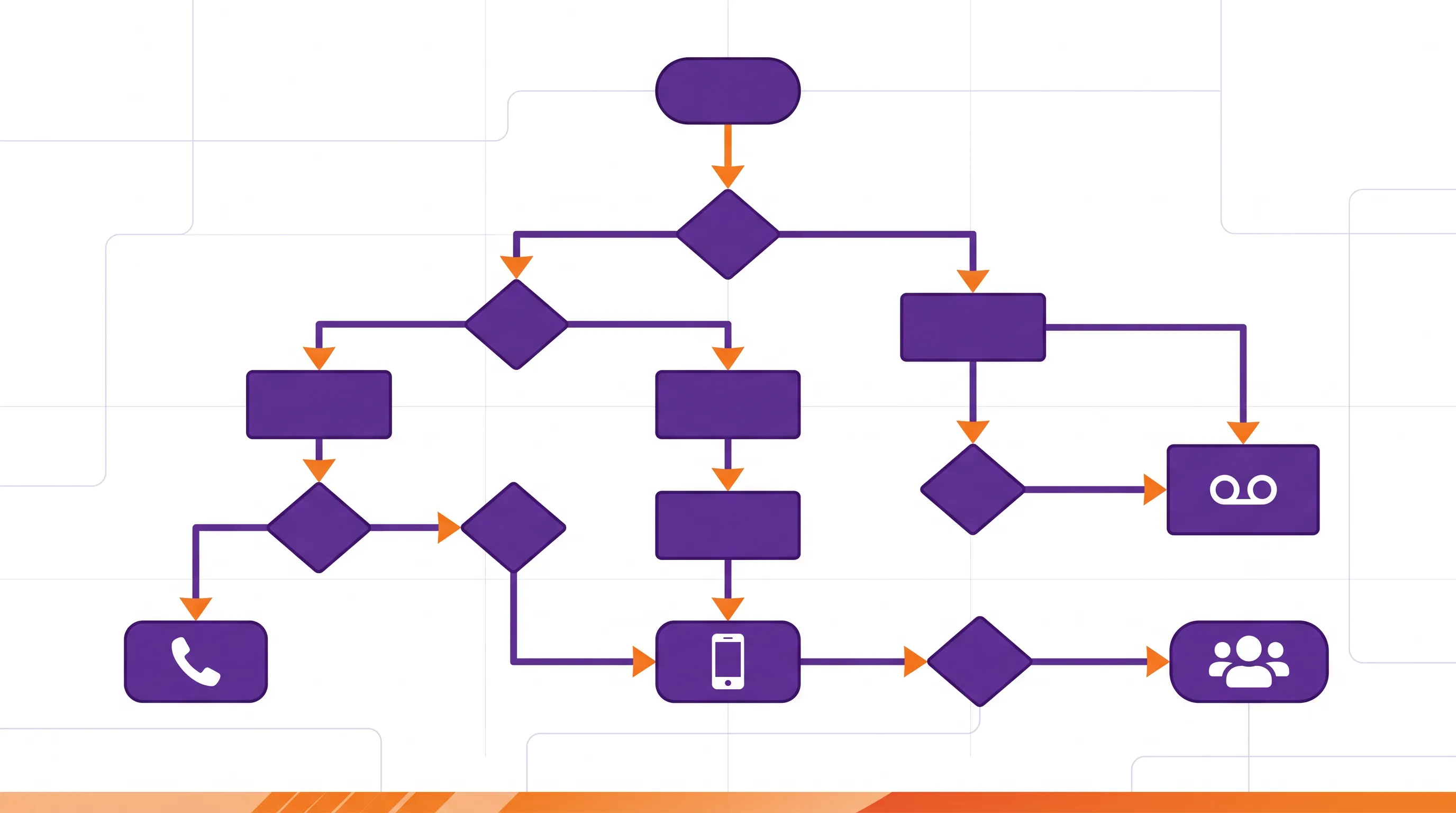
Call routing solves this by applying rules to every call: who's calling, what time is it, where is the caller located, and who is available to take the call? The right routing setup ensures that calls land where they should – automatically, every time. This guide covers how it works, what types exist, and how much complexity your business actually needs.
1. What Is Call Routing and Why It Matters
Call routing is the process of directing phone calls to a specific destination based on predefined rules. When a customer dials your business number, the system evaluates a set of conditions – time of day, caller location, agent availability, or department – and sends the call to the right person without manual intervention.
In traditional phone systems, this was handled by a receptionist or a hardware-based PBX. Today, call routing software handles it digitally – either through a cloud PBX, a VoIP platform, or even a simple browser-based telephony solution.
Why does it matter? Because for businesses that handle inbound calls, routing directly impacts three things:
Response Time
Calls that reach the right person on the first attempt get resolved faster. No hold music, no "let me transfer you," no callbacks. For sales teams, speed-to-lead is everything.
Customer Experience
Nothing frustrates callers more than being bounced between departments. Good routing makes your 10-person team feel like a well-organized enterprise.
Cost Efficiency
Misrouted international calls cost money – both in wasted minutes and in missed opportunities. Efficient routing reduces call handling time and avoids unnecessary transfers.
Global Reach
For businesses with international clients or distributed teams, routing ensures calls are handled in the right time zone, by someone who speaks the right language.
💡 Key distinction: Call routing matters most for businesses that receive inbound calls (support, sales, customer service). Companies that primarily make outbound calls to clients and suppliers need less routing complexity – but they still benefit from features like geographic call forwarding and time-based rules.
2. Types of Call Routing
Not all call routing is created equal. The right approach depends on your team size, call volume, and how many locations or time zones you operate in. Here are the most common types:
Direct Routing
The simplest form: each phone number or extension maps to one person. When someone calls that number, it rings on that person's device. No logic, no rules – just a direct connection. This works for very small teams where everyone has a dedicated line.
Time-Based Routing
Calls are routed differently depending on the time of day or day of the week. For example: during business hours, calls go to your main team. After hours, they forward to voicemail or to a colleague in a different time zone. This is one of the most useful routing types for businesses with international clients.
Location-Based Routing
The system identifies the caller's geographic location (based on their phone number or area code) and routes the call accordingly. A caller from the UK reaches your European team; a caller from the US reaches your North American team. Particularly valuable for businesses serving multiple regions.
Skill-Based Routing
Calls are directed to agents based on their skills or specialization. A technical question goes to a support engineer; a billing question goes to finance. This requires an IVR menu (press 1 for support, press 2 for sales) or an intelligent system that can detect the caller's intent.
Automatic & Intelligent Call Routing
Automatic call routing combines multiple rules into one system: time, location, availability, and skill. Intelligent call routing takes this further by using data – caller history, CRM information, or even AI – to make real-time routing decisions. This is typically found in enterprise-grade call center software and is overkill for most SMBs.
| Routing Type | Complexity | Best For | Requires |
|---|---|---|---|
| Direct | Minimal | Solo operators, micro teams | Any phone system |
| Time-Based | Low | Businesses with set hours, international clients | Basic VoIP or cloud PBX |
| Location-Based | Medium | Multi-region teams, international support | Cloud PBX with geo-detection |
| Skill-Based | Medium-High | Support teams, multi-department businesses | Cloud PBX with IVR |
| Intelligent / Automatic | High | Call centers, enterprise support | Advanced call center software |
⚠️ Practical insight: Most SMBs with 5–50 employees only need time-based or location-based routing. Don't pay for intelligent routing features you won't use. Match the solution to your actual call patterns, not to a feature checklist.
3. Call Routing vs. Call Forwarding
These two terms are often confused, but they solve different problems:
Call forwarding is a single rule: "Send all calls from number A to number B." It's a one-to-one redirect. When you forward your office phone to your mobile, that's call forwarding. It's simple, immediate, and requires no special software.
Call routing applies logic: "If the caller is in Europe, send to Team A. If it's after 6 PM, send to voicemail. If Agent 1 is busy, try Agent 2." It's a one-to-many system with conditional rules.
| Feature | Call Forwarding | Call Routing |
|---|---|---|
| Logic | One rule (A → B) | Multiple conditional rules |
| Destinations | One | Multiple (sequential or simultaneous) |
| Time-based rules | No | Yes |
| Location awareness | No | Yes |
| Setup complexity | Minimal | Low to High (depends on type) |
| Cost | Usually included in any phone plan | Depends on system (€0 – €30/user/mo) |
| Best for | Individuals, simple redirect | Teams, multi-location, inbound calls |
For business call forwarding, the question is: do you just need your calls to follow you to another device, or do you need calls to be handled differently based on conditions? If it's the former, forwarding is enough. If it's the latter, you need routing.
Many businesses start with simple call forwarding and upgrade to routing as they grow. The good news: most cloud-based VoIP solutions include both – so you can start simple and add complexity when needed.
4. How Browser-Based VoIP Simplifies Call Routing
Traditional call routing required a PBX system – either physical hardware in your office or a complex cloud PBX with monthly per-user fees. For businesses that primarily make outbound calls, this was often more infrastructure than they needed.
Browser-based VoIP takes a different approach: your team makes and receives calls directly in the web browser via WebRTC. No app downloads, no hardware, no PBX configuration. The routing happens in the cloud, and the user only needs Chrome, Firefox, or any modern browser.
What this means in practice
No Hardware to Configure
Traditional routing requires IP phones or softphone apps on every device. Browser-based VoIP works on any device with a browser – laptop, tablet, or smartphone. Zero IT setup per user.
Built-In Geographic Flexibility
Because calls happen in the browser, your team can call from anywhere. The "routing" happens naturally – whoever is online, wherever they are, can make and receive calls.
Pay-Per-Use Instead of Per-User
Full PBX routing systems charge per user per month. Browser-based solutions often use prepaid models – you pay for the minutes you use, not for the number of users on the system.
Ready in Minutes
No provisioning, no configuration wizard, no training sessions. Register, fund your account, and your team is calling internationally within 5 minutes.
When is browser-based VoIP enough? If your business primarily makes outbound international calls – to clients, suppliers, or partners – you likely don't need complex routing at all. You need a reliable, affordable way to call 200+ countries from your browser, with transparent per-minute pricing and no contract lock-in.
When do you need more? If you handle significant inbound call volume with multiple departments, need an IVR menu, or run a support team with queue management, a full cloud PBX is the better choice. The key is knowing where your business sits on this spectrum.
5. What It Costs – With Real Price Examples
The cost of call routing depends entirely on which type of solution you choose. Here's how the three main approaches compare:
| Solution Type | Routing Capabilities | Cost | Contract |
|---|---|---|---|
| Full Cloud PBX | Advanced (IVR, skill-based, intelligent) | €10 – €30/user/month | Monthly or annual |
| Hosted VoIP | Moderate (time-based, forwarding, groups) | €5 – €15/user/month | Monthly |
| Browser-Based VoIP | Basic (forwarding, geographic) | Prepaid from €10, no monthly fee | None |
Per-Minute Rates for International Business Calls
Regardless of routing complexity, the per-minute cost for international calls is a major factor. Here are real rates for common business destinations:
| Country | Landline | Mobile | Typical Use Case |
|---|---|---|---|
| Romania | from €0.03 | from €0.06 | EU operations, nearshoring |
| United States | from €0.03 | from €0.06 | Domestic clients, HQ calls |
| United Kingdom | from €0.03 | from €0.06 | European clients, sales |
| Poland | from €0.03 | from €0.06 | Nearshore dev teams |
| Brazil | from €0.05 | from €0.06 | LATAM suppliers, logistics |
| France | from €0.03 | from €0.09 | EU business partners |
| India | from €0.20 | from €0.12 | IT outsourcing, development |
💰 Example calculation: A 10-person sales team routes 300 international calls per month to clients in the UK, Poland, and Romania. With browser-based VoIP at €0.03/min to landlines and €0.06/min to mobiles, with 3 minutes per call: 300 × 3 × €0.03 = €27/month if all calls go to landlines, up to 300 × 3 × €0.06 = €54/month if all go to mobiles. With a traditional PBX at €15/user: €150/month just for the system, plus per-minute charges on top.
International Calls, Simple Routing, No Overhead
Browser-based VoIP for teams that need to call, not configure. 200+ countries, from €0.03/min. Prepaid from €10.
Get Started for Free →6. Checklist: Choosing the Right Call Routing Solution
Before investing in call routing software, answer these questions to find the right fit:
⚠️ Pro tip: Start with the simplest solution that covers your current needs. You can always add routing complexity later. But you can't easily simplify an over-engineered phone system you're locked into with a 12-month contract.
📖 The complete guide to cloud phone systems
Cloud Phone System – The Complete Business Guide 2026 →📖 How remote teams use cloud telephony
Cloud Telephony for Remote Teams – Call Anywhere Without Hardware →📖 Also worth reading:
Cheap International Calls – 5 Methods Compared →7. Frequently Asked Questions
What is call routing?
Call routing is the process of directing incoming or outgoing phone calls to a specific destination based on predefined rules. These rules can be based on time of day, caller location, language preference, or agent availability. The goal is to connect callers with the right person or department as efficiently as possible.
What is the difference between call routing and call forwarding?
Call forwarding redirects all calls from one number to another – it's a simple, one-to-one rule. Call routing is more sophisticated: it applies logic to decide where a call goes based on multiple factors like time, location, or availability. Call forwarding is a feature within a call routing system, but call routing offers much more flexibility.
Do small businesses need call routing software?
It depends on the use case. Businesses that make primarily outbound calls to international clients or suppliers may not need complex routing. But any business that receives inbound calls from customers, or has team members in multiple locations, will benefit from at least basic call routing – even if it's just time-based forwarding.
Can browser-based VoIP handle call routing?
Yes. Modern browser-based VoIP solutions use WebRTC to handle calls directly in the web browser. While they typically focus on outbound calls, many offer basic routing features like time-based forwarding and geographic routing. For businesses that primarily call clients and suppliers internationally, browser-based VoIP provides the routing they need without the complexity of a full PBX system.
What does call routing software cost?
Costs vary widely. Full cloud PBX systems with advanced routing typically cost €10–30 per user per month. Simpler browser-based VoIP solutions with basic routing offer prepaid models starting at €10 with no monthly fees – you only pay for the minutes you use.
What is intelligent call routing?
Intelligent call routing (also called automatic call routing) uses predefined rules and sometimes AI to dynamically decide where to send a call. It can factor in agent skills, caller history, current wait times, and time zones to optimize every call. This is typically a feature of enterprise-grade call center software.